Creating Postman Collection from OpenAPI

Getting all of Telnyx API V2 on Postman only takes a few short steps, start using the API right away! See Telnyx guidance and requirements.

Step-by-step Guide to Creating a Postman Collection

We all love Postman. How can you get all of Telnyx API v2 in a few clicks?

Postman Collection Walkthrough

Step 1: Navigate to https://github.com/team-telnyx/openapi/tree/master/openapi

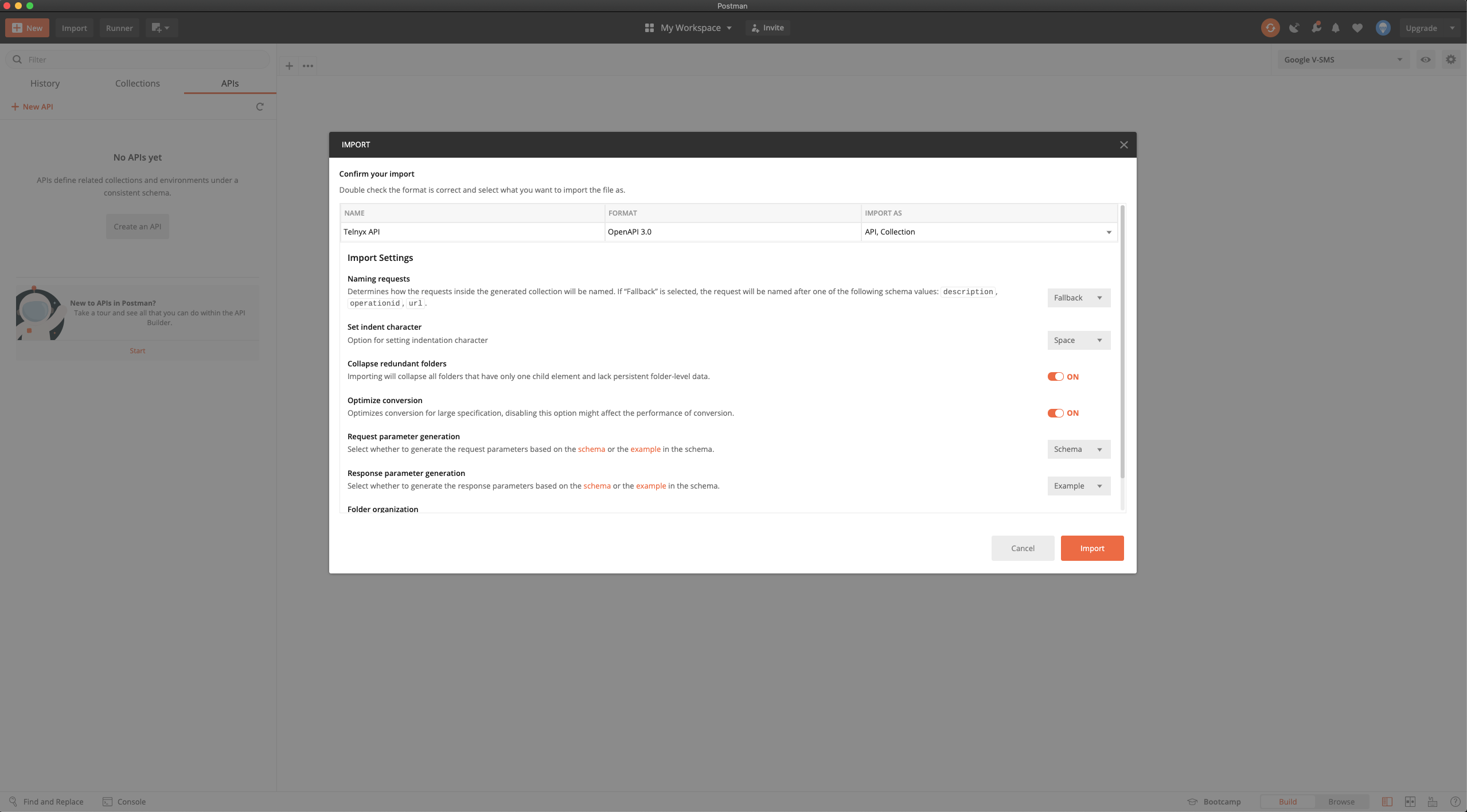
Step 2: From Postman, import the JSON via the raw link in Github or downloaded file. I am using the raw link below.
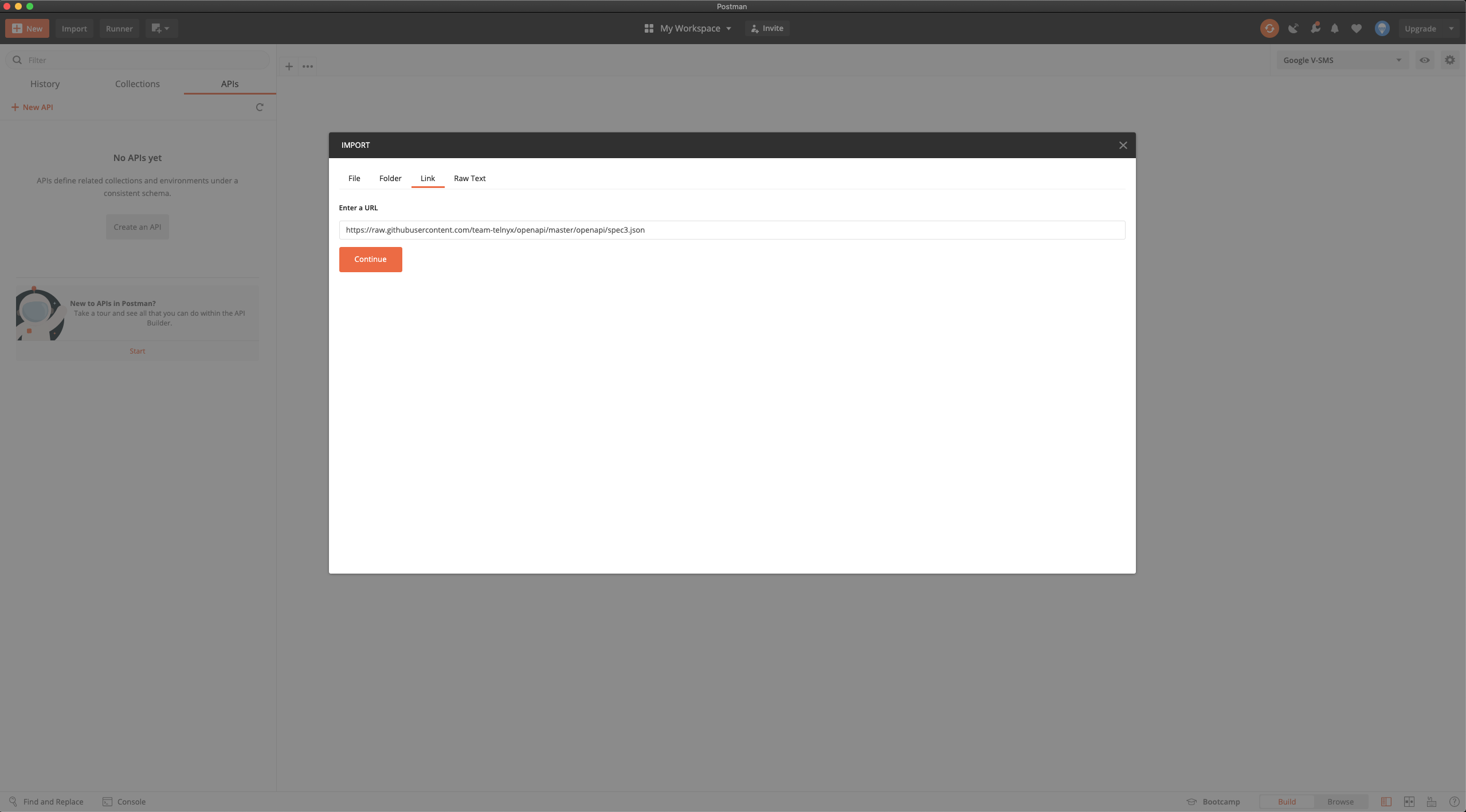
Postman collection page.

Use the default settings

Default settings page on Postman.

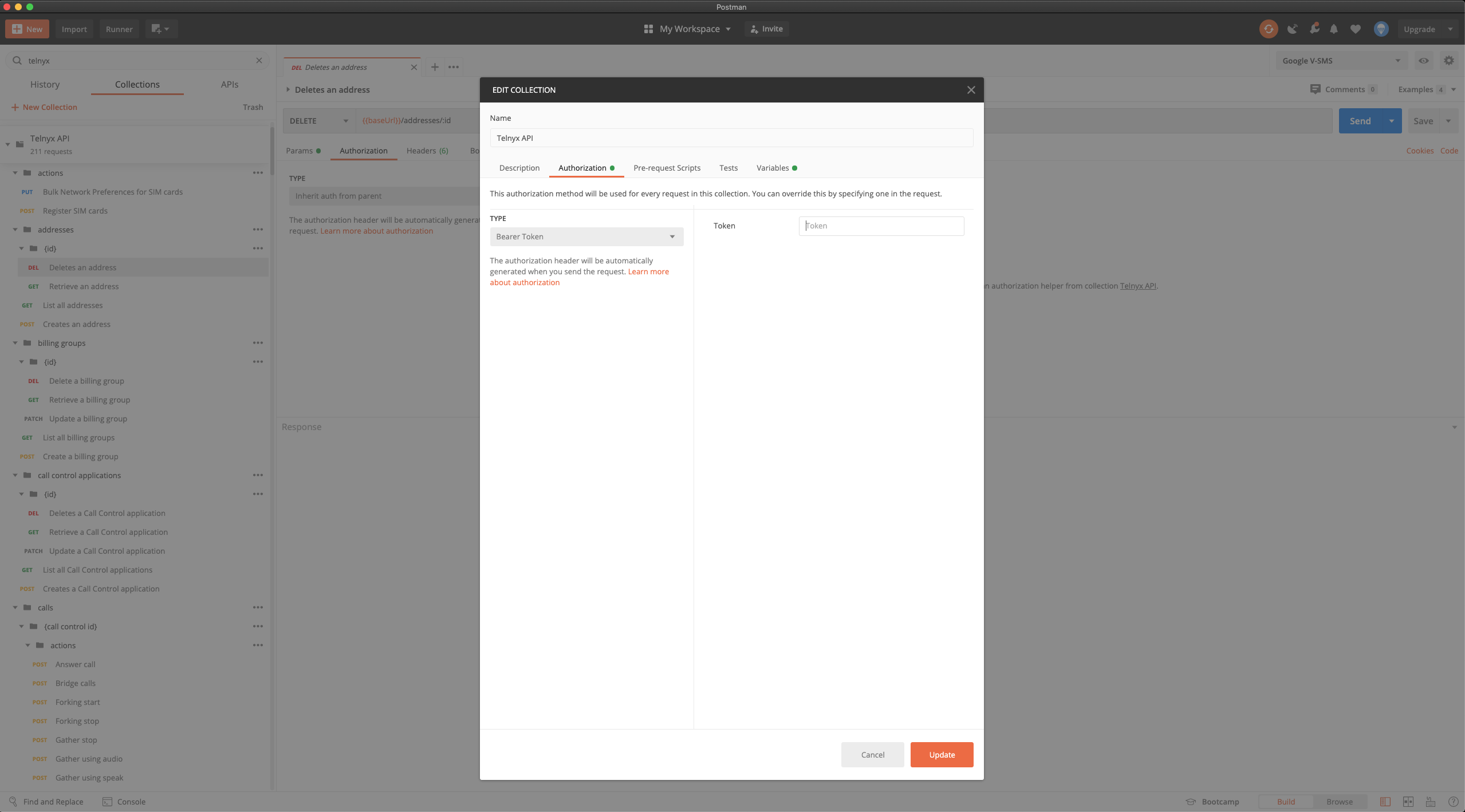
Step 3: Add your API token to the collection
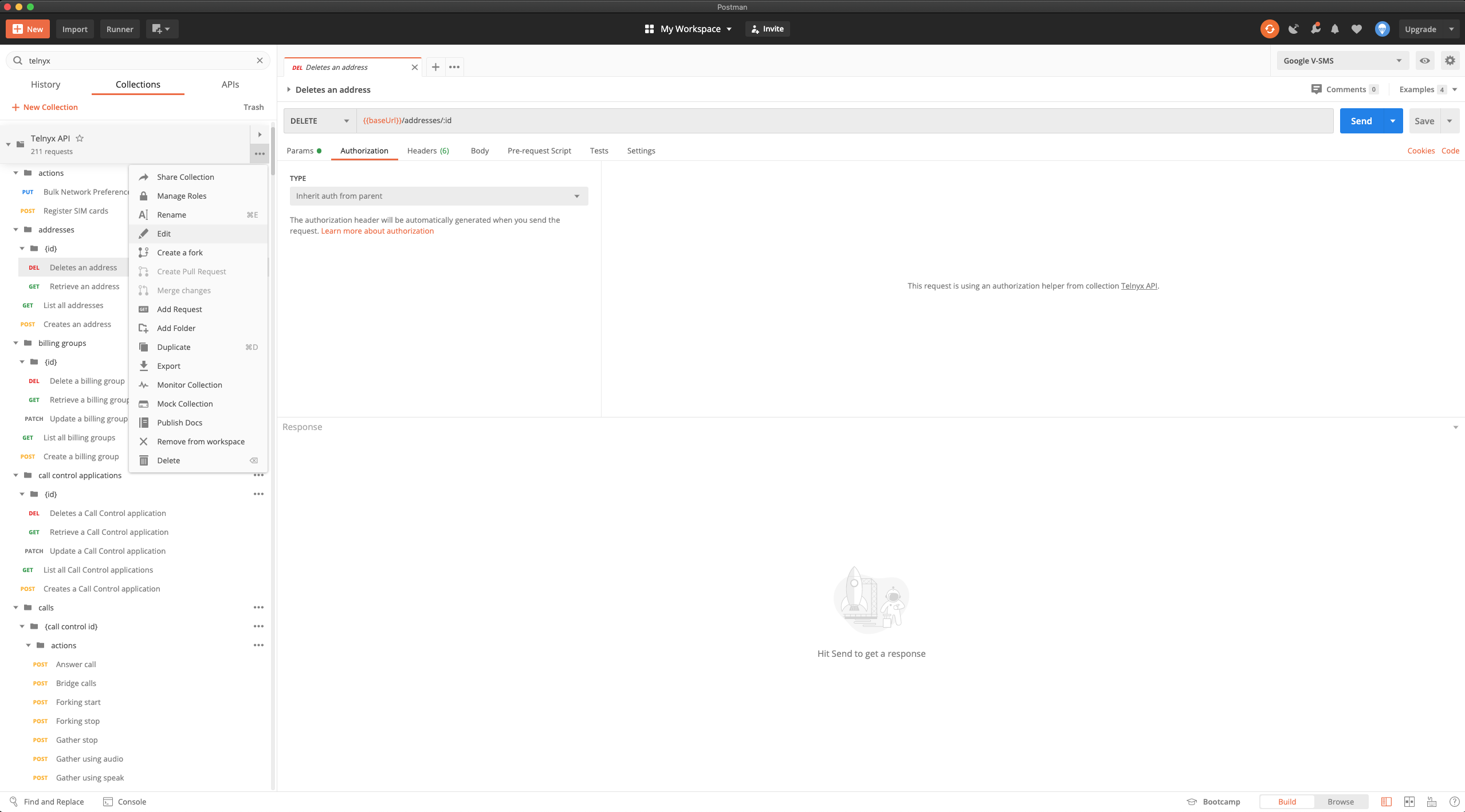
Authentication section interface on Postman.

Authentication interface on Postman.

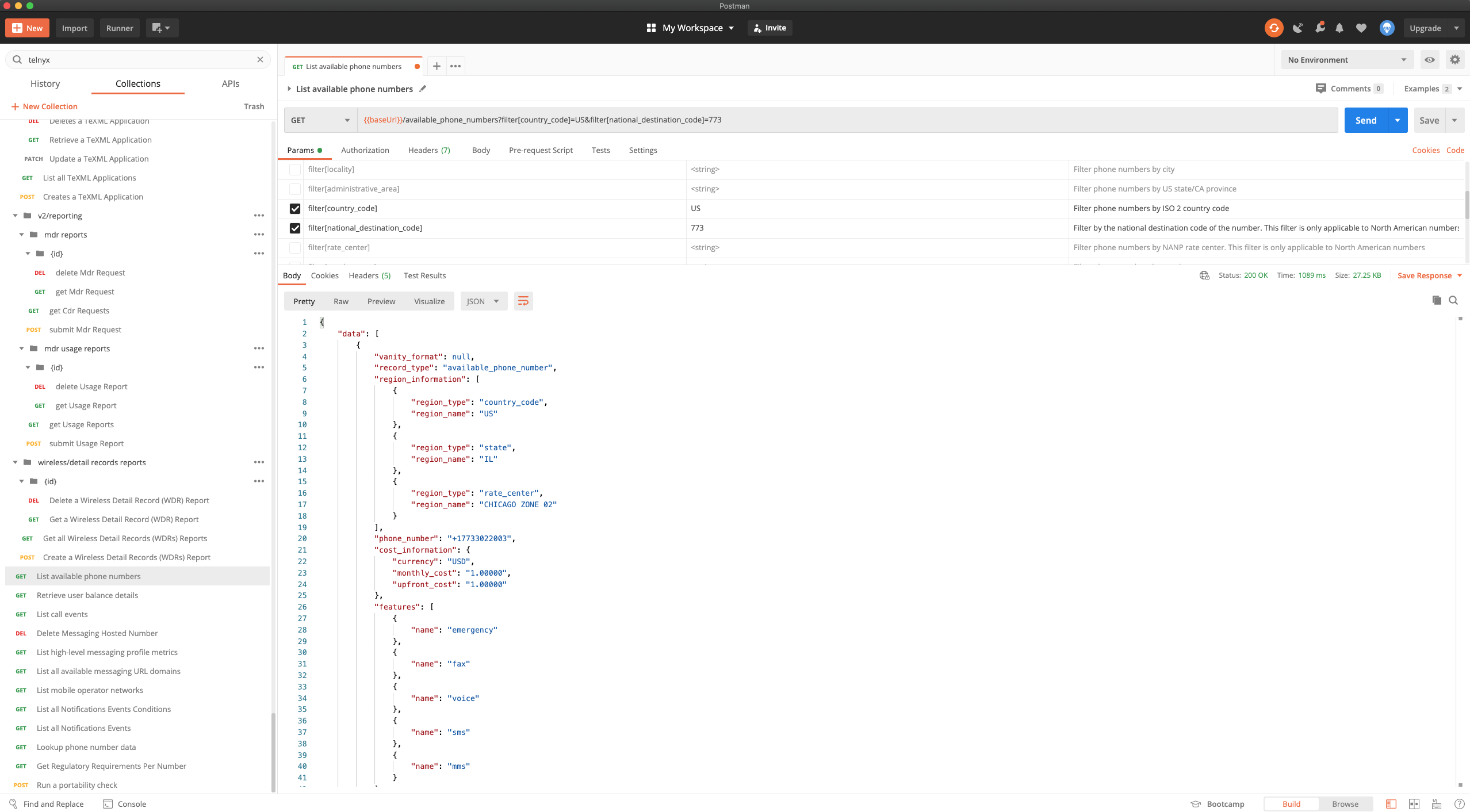
Step 4: Use the API!

An array of API codes on Postman.

Related articles

Your Number Lookup GuideThis guide covers how to use the Number Lookup tool in the Telnyx Mission Control Portal to retrieve carrier details… See Telnyx guidance and requirements.Resources on Your AccountQuick links for other useful resources for your Telnyx Mission Control Account. See Telnyx guidance and requirements.2FA / TOTP SetupNew 2FA & TOTP Process Guide for Mission Control Portal: Key info here. See Telnyx guidance and requirements.Telnyx Tech SpecsHere you will find out key tech specs at Telnyx and what they mean for our service. See Telnyx guidance and requirements.